Email Warmup for Agencies: Managing Many Client Domains Without Losing Track
· 6 min read

Email warmup for agencies is a different job from warming up your own inbox. You are not protecting one domain; you are protecting ten, thirty or sixty, each belonging to a client who will notice the moment their replies dry up. The risk is rarely a single dramatic failure. It is a pile of small losses of visibility: a DKIM record nobody re-checked, a mailbox that never got connected, a teammate who changed a setting and could not say which one.
This guide covers how agencies can run warmup across many client domains without losing track: how to structure the work, who should see what, what to check on every domain, and how to onboard a new client the same way every time. We make no promise about where any message lands. Nobody can. What you can control is that every domain is set up, watched and recorded the same way.
Why agencies need a different setup
A founder warming one domain can keep the whole picture in their head. An agency cannot, for three reasons.
- Every client domain has its own history. Mailbox providers build their view per sending domain, so one client's careless campaign cannot be fixed by good behavior on another client's domain. Keep the domains separate in your tooling as well as in DNS.
- Several people touch the same accounts. Account managers, SDRs and a technical lead all make changes. Without roles and a record of who changed what, a problem becomes an argument.
- Clients ask questions. "Is my domain healthy?" needs an answer you can show, not a feeling.
Step 1: One client, one workspace
The first rule is to keep each client's mailboxes and domains grouped together and apart from everyone else's. In InboxRampUp, a single account can hold several client organizations, so each client's mailboxes sit in their own organization instead of one long mixed list.
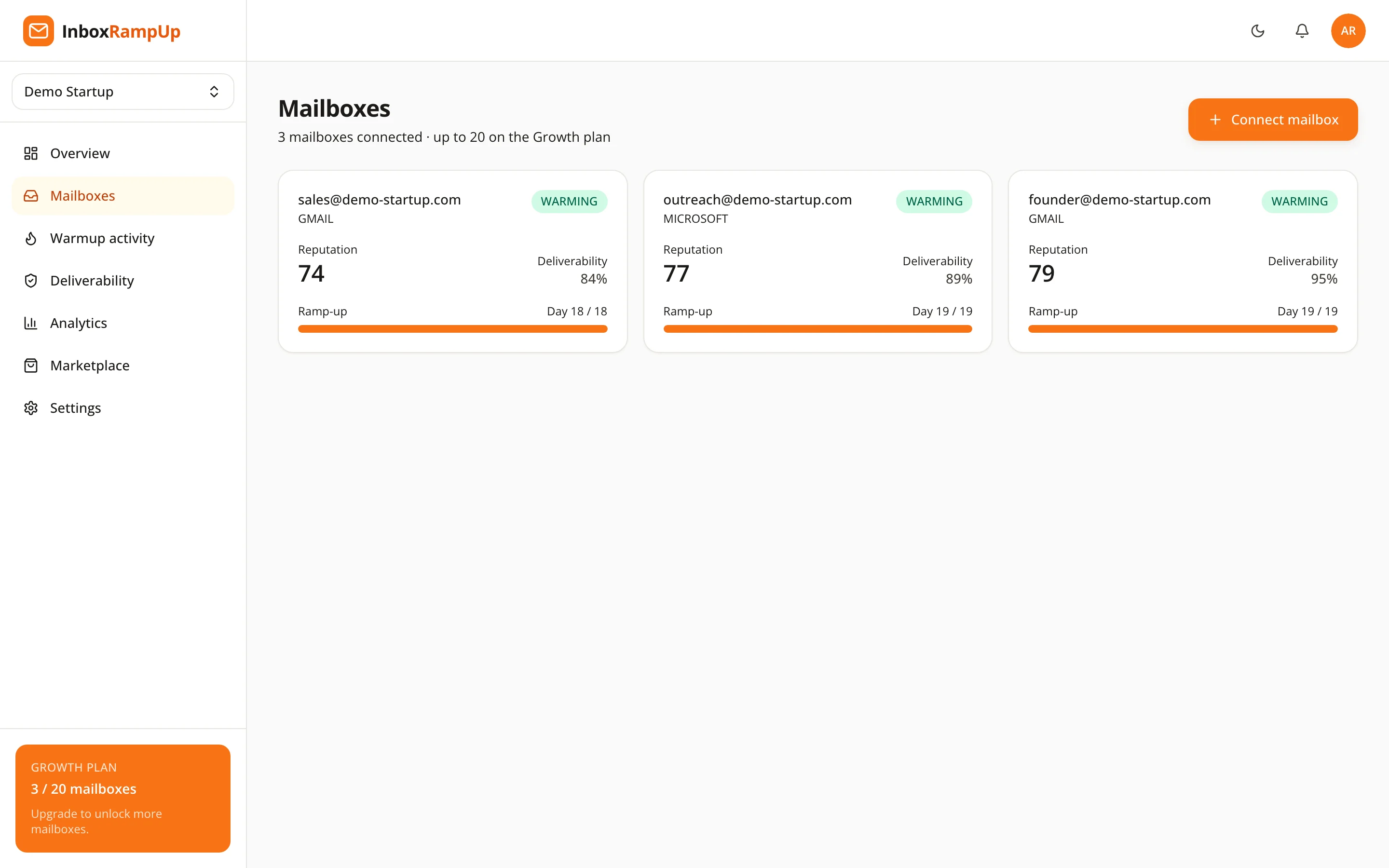
The practical benefit is simple. When a client leaves, you know exactly which mailboxes to disconnect. When a client asks about their sending, you open their organization and nothing else.
Step 2: Give each person the access they need
Warmup settings affect how mail is sent, so not everyone needs to change them. A workable split:
- Technical lead: full control, including mailbox connections and settings.
- Account managers: can see their clients' mailboxes and health, and make routine changes.
- Everyone else: only what their clients need.
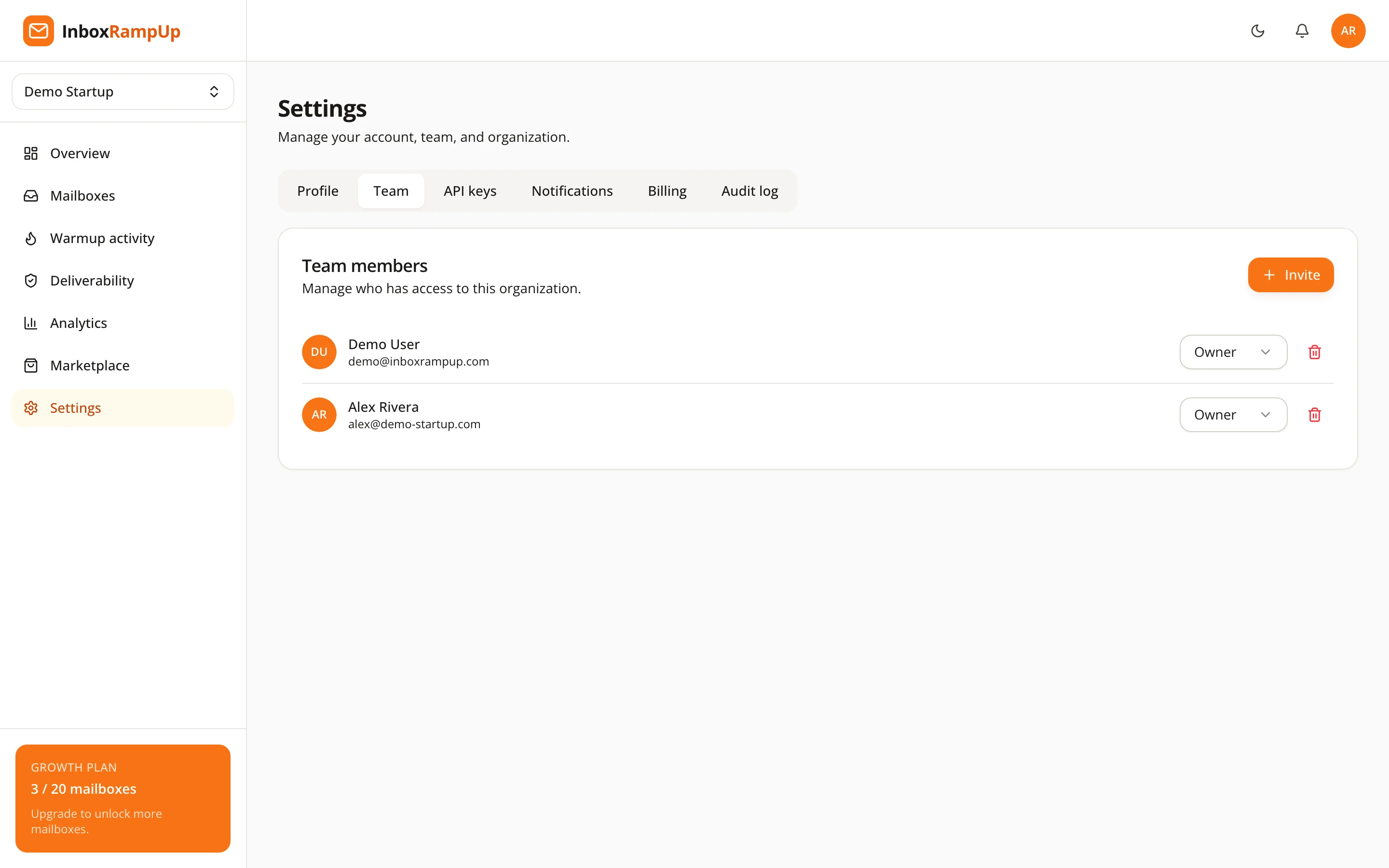
InboxRampUp supports teams with roles, and two-factor authentication for accounts. Use both. A shared login with no record of who did what is the fastest way to lose track of a client domain.
Step 3: Keep a record of changes
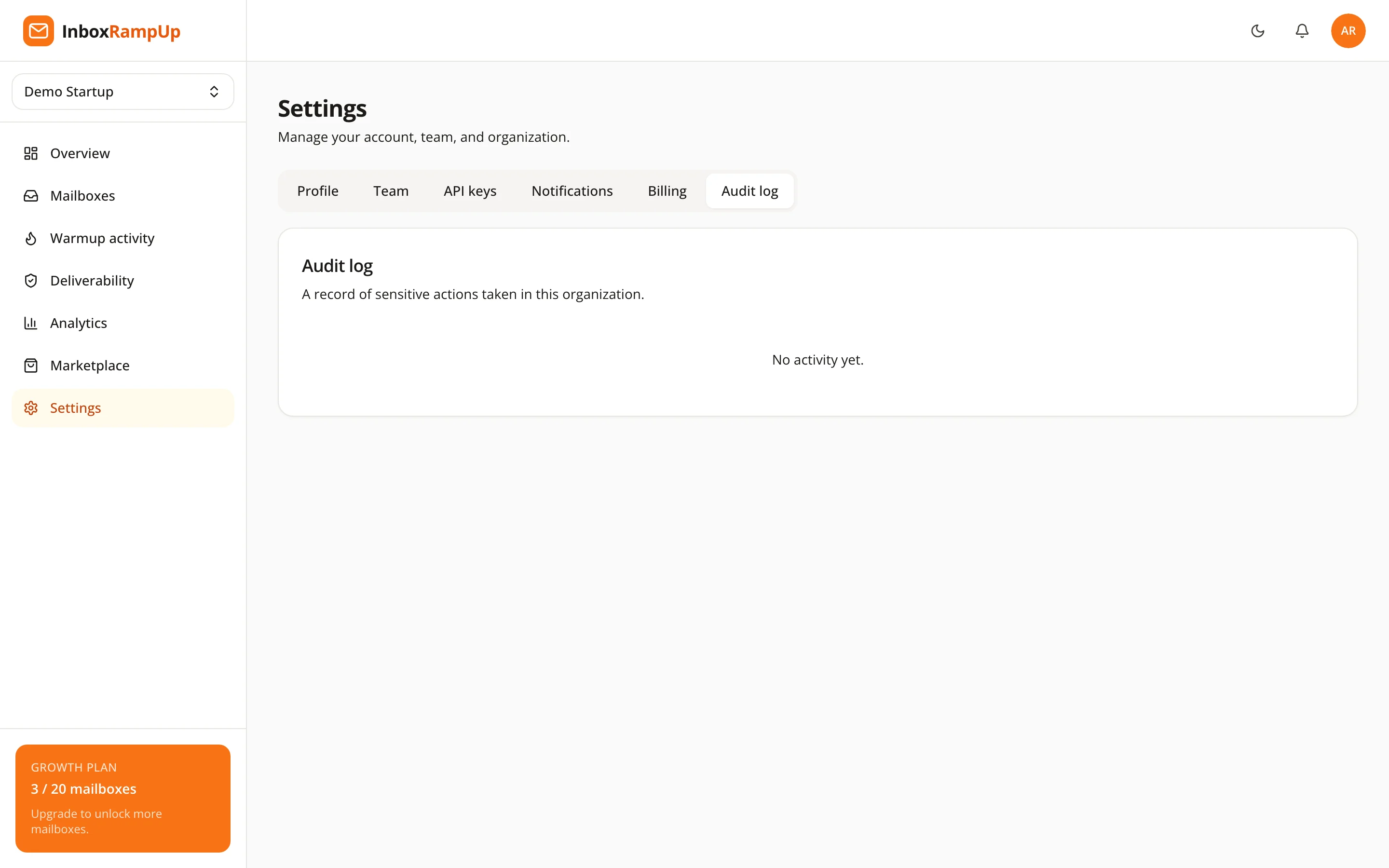
When a client's replies drop, the first question is what changed. An audit log answers it: who connected or removed a mailbox, who changed a setting, and when. InboxRampUp keeps an audit log for this reason.
Write down your own side of the record as well. A one-line note per client when you change their sending plan, their volume or their DNS is worth more than it looks a month later.
Step 4: Check every client domain the same way
Authentication problems cause the sudden failures, and they are cheap to find. For every client domain, confirm:
- SPF includes every service that sends for the domain, and there is only one SPF record.
- DKIM is signing and the public key in DNS matches.
- DMARC is published and mail aligns with it.
- MX records are present and correct.
- Blacklists: the domain is not listed on a list the major providers use.
InboxRampUp runs live domain health checks for SPF, DKIM, DMARC, MX and blacklists per mailbox, so you can see these results next to each mailbox instead of rebuilding them by hand. For a first look at a prospect's domain before they are a client, the free deliverability checker runs the same kinds of checks. If you want the detail on each record, read SPF, DKIM and DMARC explained.
Also keep the published sender rules in view. Google's email sender guidelines ask senders to keep the spam rate reported in Postmaster Tools below 0.10% and to avoid ever reaching 0.30%. Your clients' domains are all subject to the same limits, so a high-volume client can put its own domain at risk without touching any other. Our guide to Gmail and Yahoo bulk sender requirements explains what each provider expects.

Step 5: Onboard every new client with the same checklist
The most useful thing an agency can build is a repeatable onboarding. A short version:
- Create the client's organization and add only the team members who work on it.
- Confirm who owns the domain and who can edit its DNS.
- Run the domain health checks and fix SPF, DKIM and DMARC before connecting anything.
- Connect the mailboxes (Google Workspace, Microsoft 365 or any IMAP/SMTP mailbox work).
- Start warmup and let the ramp-up raise volume gradually; do not send campaigns from a mailbox that has just been connected.
- Agree with the client on the starting volume for real campaigns and the list quality you expect. Our post on how many cold emails per day you can safely send helps you set it.
For a brand-new domain, read how to warm up a new email domain first. Warmup builds a track record for a legitimate sender; it cannot make up for a bad list or a message people do not want.
Step 6: Watch the trend, not the day
InboxRampUp shows a 0-100 reputation score per mailbox, computed live from the real sends and engagement, plus an activity feed and analytics for sends, replies and the reputation trend, with CSV export. To be clear, the score is InboxRampUp's own and does not replace Google Postmaster Tools. Use it to spot a mailbox that is trending the wrong way before the client does, and export the numbers when you report.
Automating the boring parts
If your agency already has its own tooling for onboarding or reporting, the REST API on the Agency plan lets you connect it to InboxRampUp instead of copying data by hand. You can read how it works in the API docs. Pricing for the Agency plan, which covers 60 mailboxes, is on the pricing page; larger setups can talk to sales.
Frequently asked questions
Should each client have its own domain for cold email?
Yes, in the sense that each client should send from their own domain or a domain they control, so their reputation is theirs. Mixing several clients' sending on one domain ties their reputations together.
How do I stop one client from hurting the others?
Keep their domains and mailboxes separate, keep their volumes within what their list quality supports, and watch complaint and bounce data per client. Separate organizations in your tooling make that visible.
Can warmup fix a client's bad list?
No. Warmup builds engagement signals for a legitimate sender. It cannot remove the complaints a purchased or stale list produces.
How do I show a client their domain is healthy?
Show the authentication checks and the reputation trend for their mailboxes, and be clear about what they do and do not prove. Neither the checks nor the score guarantee inbox placement.
Try it on one client first
Start with a single client domain. Run the free deliverability checker on it, then start a free trial of InboxRampUp (no credit card, setup in under two minutes) and see how the organization, roles and domain health fit your own onboarding.
- email warmup for agencies
- cold email agency
- email deliverability
- client domains
- sender reputation