DMARC Policy Explained: None, Quarantine and Reject
· 7 min read

Your DMARC policy is one line of text in DNS, and it answers a single question: when a message claims to be from your domain but fails authentication, what should the receiving server do with it? The answer is one of three words, none, quarantine or reject, and choosing the wrong one at the wrong time is a common way to either leave your domain exposed or accidentally block your own mail.
This guide explains what each DMARC policy value means, what the standard itself says about them, what Google asks of bulk senders, and a cautious order for moving from the weakest policy to the strongest. If you are new to the three protocols behind DMARC, read SPF, DKIM and DMARC explained first and come back here.
What a DMARC policy actually does
DMARC sits on top of SPF and DKIM. It checks that the domain in the visible From: address lines up with the domain that passed SPF or DKIM. This is called alignment. When a message fails that check, the policy in your DMARC record tells the receiver how you would like it handled.
Google's email sender guidelines put the alignment rule plainly: for direct mail, the domain in the From: header must be aligned with either the SPF domain or the DKIM domain. A message can pass DMARC through SPF, through DKIM, or through both, as long as the authenticating domain matches the From: domain.
The policy is the p= tag in a TXT record published at _dmarc.yourdomain.com. A minimal record looks like this:
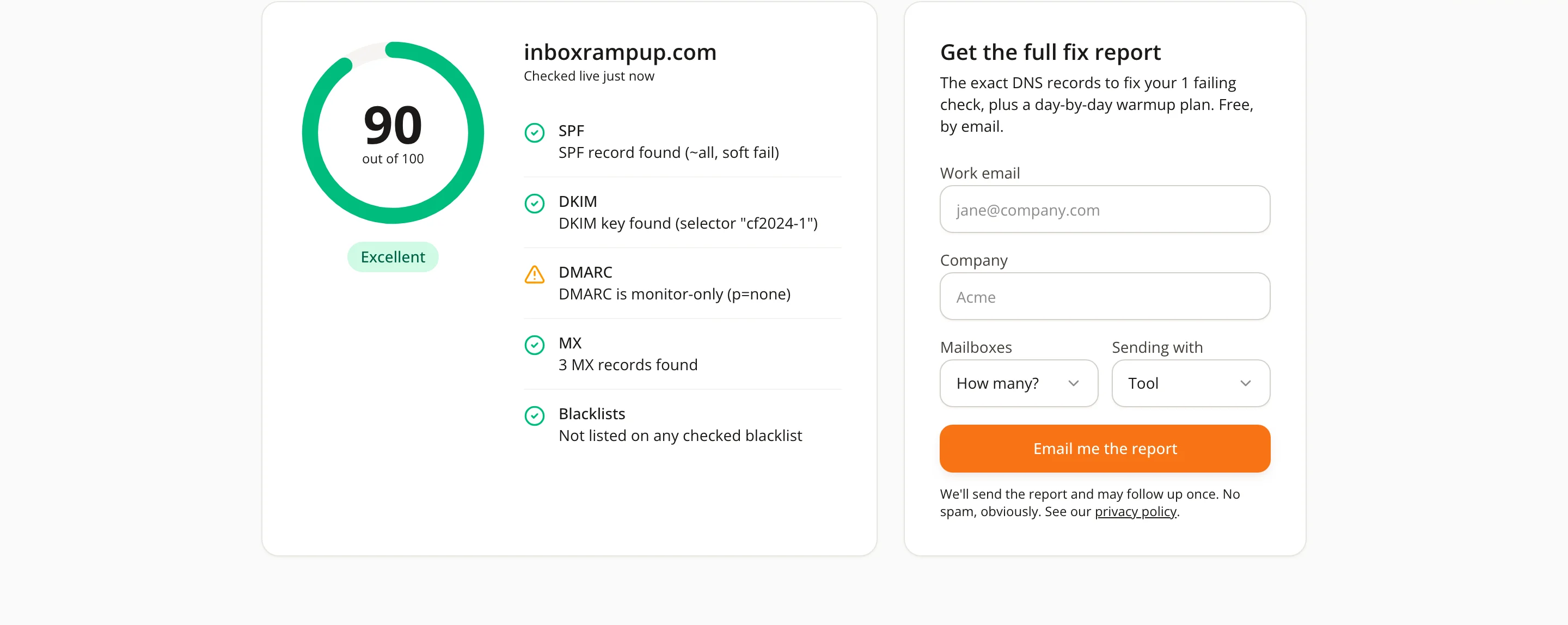
v=DMARC1; p=none; rua=mailto:dmarc-reports@yourdomain.com
Three tags matter most for this topic: p (the policy), rua (where aggregate reports are sent) and pct (how much of your mail the policy applies to).
The three policy values
The DMARC specification, RFC 7489, defines the three values in section 6.3. Here is each one, with the standard's own wording.
p=none: watch, but do not act
RFC 7489 describes it this way: "The Domain Owner requests no specific action be taken regarding delivery of messages." In practice, a none policy asks receivers to leave their normal handling alone. Your mail is not rejected or pushed to spam because of DMARC.
The value of none is the reporting that comes with it. The standard also says that a discovered p=none policy should not change existing mail disposition processing, which is why it is the usual starting point: you get feedback without risking delivery.
p=quarantine: treat failures as suspicious
The standard says the domain owner "wishes to have email that fails the DMARC mechanism check be treated by Mail Receivers as suspicious." Receivers commonly interpret this as spam folder placement or extra scrutiny, though the exact handling is up to each receiver.
p=reject: refuse failures
With reject, "the Domain Owner wishes for Mail Receivers to reject email that fails the DMARC mechanism check." The failing message is turned away during the SMTP conversation and never reaches a folder at all. This is the strongest protection against someone forging your domain, and also the one that punishes a misconfiguration the hardest.
Other tags that change how a policy behaves
Choosing the value is half the job. Three more tags from section 6.3 of the RFC shape how it plays out.
pct. The standard defines it as the "percentage of messages from the Domain Owner's mail stream to which the DMARC policy is to be applied," with a default of 100. Setting a lower number lets you apply a stricter policy to only part of your mail while you gain confidence.
rua. This is where "aggregate feedback is to be sent." Reports arrive as XML files from receivers that support them. They show which servers sent mail using your domain and whether it passed, which is exactly the information you need before tightening anything.
sp. It sets the "requested Mail Receiver policy for all subdomains," and applies only to subdomains, not to the domain itself. If you send from subdomains, decide on purpose what they should inherit.
What Google asks of bulk senders
Google's sender guidelines say bulk senders, meaning those sending 5,000 or more messages a day to Gmail addresses, must set up DMARC for their sending domain, alongside SPF and DKIM. The page notes that the DMARC enforcement policy can be set to none to meet the requirement.
So for Gmail's bulk-sender rules, p=none with a valid record is enough. That does not mean none is where you should stay. It means the minimum is low and the rest is your decision, based on how exposed your domain is to spoofing. For the wider picture of what Gmail and Yahoo expect, see our guide to the Gmail and Yahoo bulk sender requirements.
A cautious path from none to reject
Most deliverability problems with DMARC do not come from choosing quarantine or reject. They come from choosing them before knowing what is really sending mail as your domain. A steady order of work avoids that.
- Fix the basics first. Confirm SPF and DKIM pass for your real senders and that the signing or envelope domain aligns with your From: domain.
- Publish p=none with an rua address. Collect aggregate reports for a few weeks so you see every system that sends as you: your mailboxes, your newsletter tool, your CRM, your support desk.
- Fix every legitimate source that fails. Each one needs SPF or DKIM that aligns. Do not move on while real mail is failing.
- Move to quarantine, ideally with a low pct. Start by applying the policy to a small share of mail, then raise it as the reports stay clean.
- Move to reject when the reports are clean. Do this only once the legitimate mail is passing consistently and you understand your subdomains.
None of this is a fixed timetable. The right pace depends on how many systems send mail for your domain. A small team with one mailbox provider might finish quickly; a company with a dozen tools sending on its behalf should take longer.
Where DMARC meets cold email and warmup
If you send cold email from a new domain, DMARC is part of the foundation, not an extra. A domain without a record gives receivers less to trust, and Google lists DMARC among the requirements for bulk senders. Our cold email deliverability checklist puts authentication in the first steps for that reason.
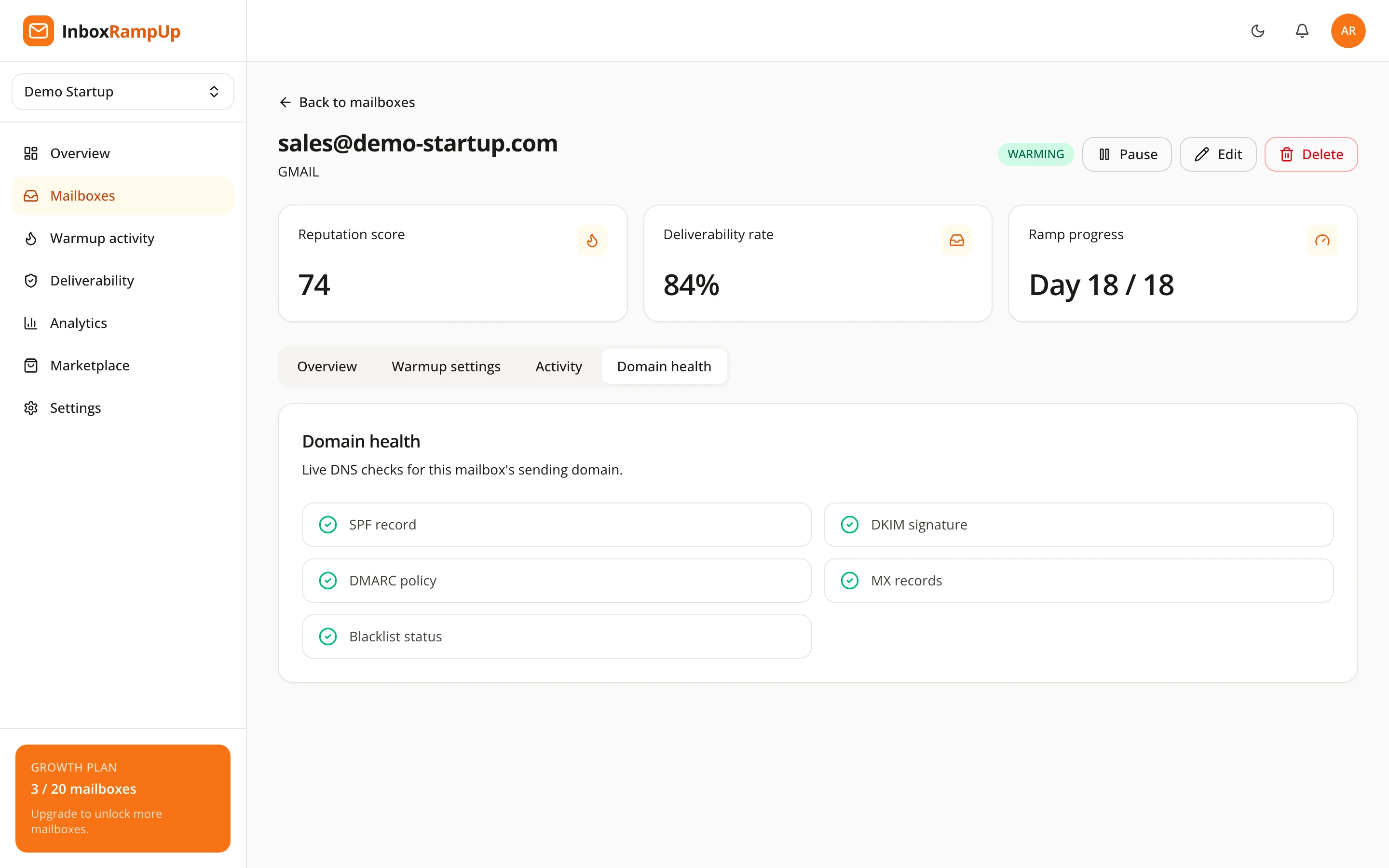
Authentication does not replace reputation, though. Passing DMARC proves that mail really comes from your domain. It does not prove that your domain is a sender people want to hear from. That part comes from sending behavior over time, which is what a warmup is for. InboxRampUp runs live checks on SPF, DKIM, DMARC, MX and blacklists for your domain, so you can see authentication problems before you send campaigns while the warmup network builds sending history in parallel.
Common DMARC policy mistakes
- Jumping straight to reject. A forgotten system that sends as your domain, such as an invoicing tool, will have its mail refused with no warning to you.
- Never reading the reports. A
p=nonerecord with noruaaddress is a lock with no window. You publish a policy but learn nothing. - Forgetting subdomains. If you send from
mail.yourdomain.com, check how thesptag and any subdomain records are set. - Treating none as protection. A
nonepolicy does not stop anyone from forging your domain. It only asks receivers to report and carry on as usual. - Breaking alignment with a third-party sender. A tool that signs with its own domain and sends from yours will fail DMARC unless it also signs with, or aligns to, your domain.

Frequently asked questions
Which DMARC policy should I start with?
Start with p=none and an rua address. The standard describes it as a request for no specific action on delivery, so you get reports on who sends as your domain without changing how mail is handled.
Is p=none enough for Gmail?
For Google's bulk-sender requirements, Google states that the DMARC enforcement policy can be set to none. A valid DMARC record is still required, along with SPF and DKIM.
Will quarantine or reject hurt my deliverability?
Not if your legitimate mail passes alignment. They only affect messages that fail the DMARC check. The risk is a real sender you forgot about failing it, which is why reading the aggregate reports first matters.
What does pct do in a DMARC record?
It sets the percentage of your mail the policy applies to, with a default of 100. Using a lower number with quarantine or reject lets you tighten gradually.
Does a strict DMARC policy guarantee inbox placement?
No. DMARC proves who sent a message. Where it lands still depends on sender reputation, list quality, content and complaint rates.
Check your authentication, then build the reputation
If you want to see how your own domain looks today, run the free deliverability checker for live SPF, DKIM, DMARC, MX and blacklist results. When you are ready to warm up the mailboxes that will send from it, start a free trial. No credit card is required, and setup takes under two minutes.
- DMARC policy
- DMARC
- email authentication
- deliverability
- cold email